 Joripo
Platform overview
One platform from questionnaire to dataset.
Joripo is three apps around one server: a web console for the office, Joripo Collect for the field and Joripo Desktop for the analyst. This page shows how they fit together at each stage of a survey, and who on your team does what.
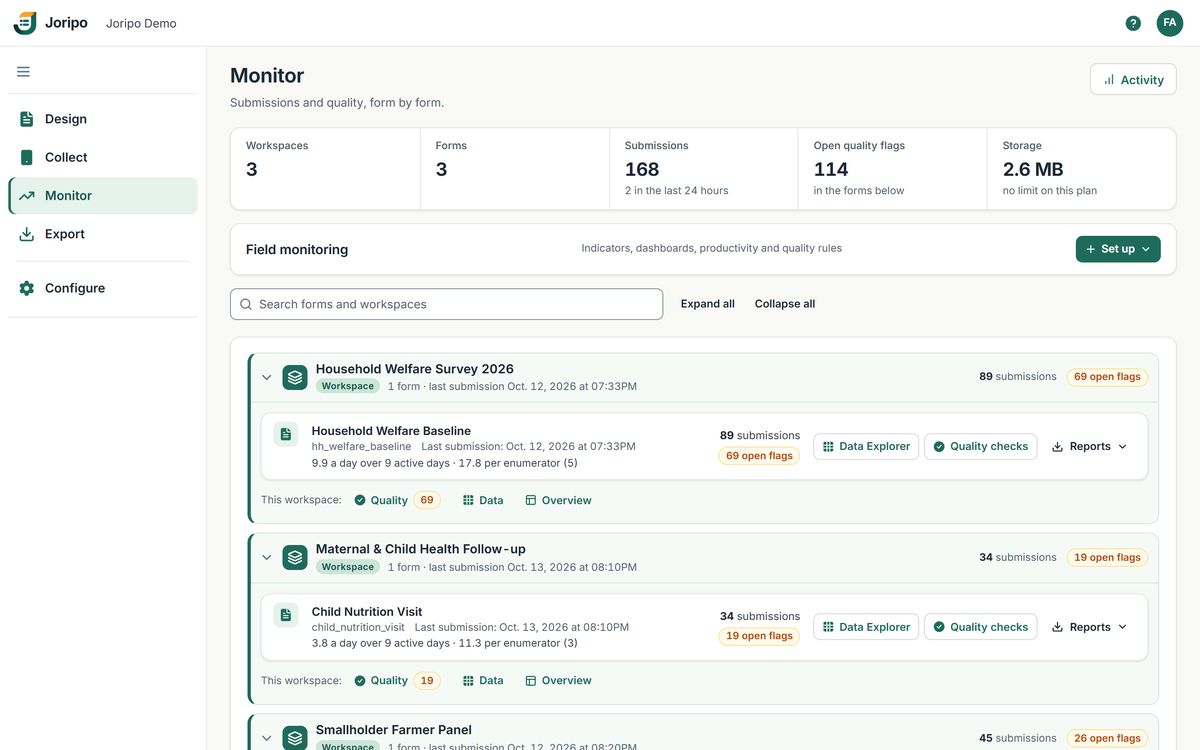
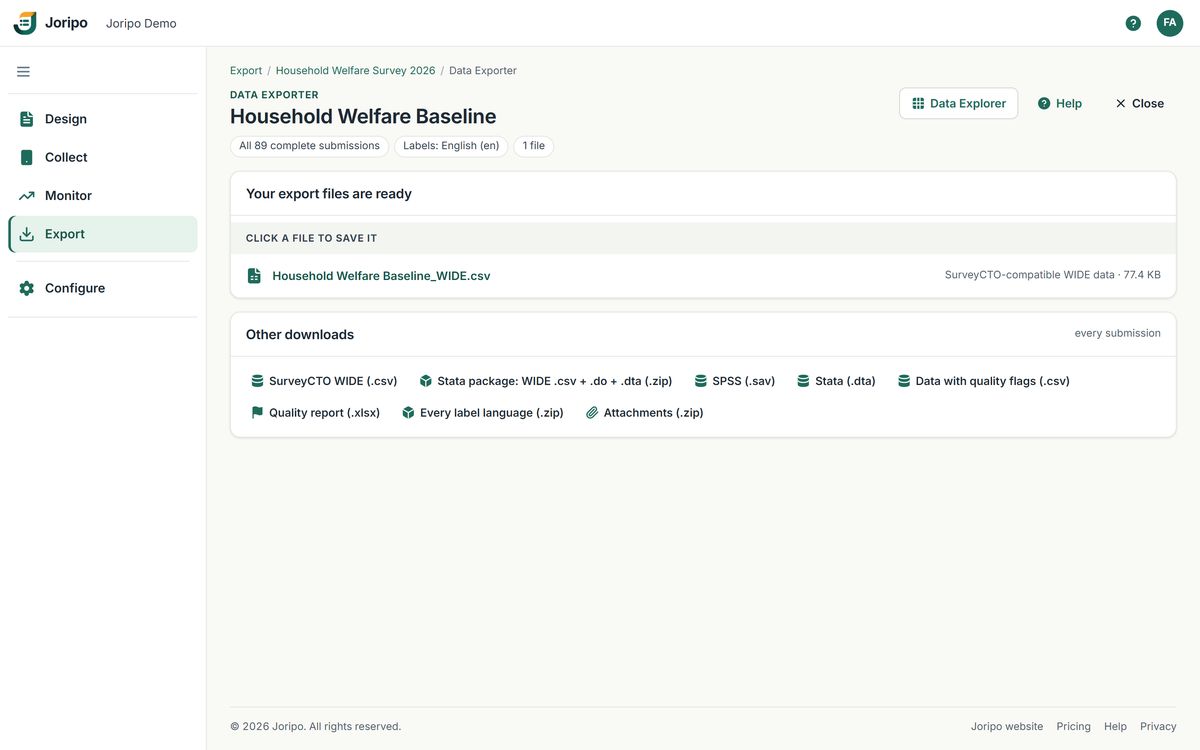
Joripo's console, showing a demo workspace with synthetic data.
The survey lifecycle
Five stages, one place to run them.
Many teams stitch together a form tool, spreadsheets of quality checks and a folder of export scripts. In Joripo each stage hands its work straight to the next: the form you test is the form the phones run, the checks know which question holds the enumerator, and exports can carry each interview's count of quality flags.
Design & test
Upload an XLSForm or edit one in the browser, then test it on the same engine the phones use.
Deploy
Make the form live, set up data collectors and phones, and load case lists.
Collect
Enumerators work offline in Joripo Collect; respondents can fill web forms.
Monitor & review
Checks run on each interview as it arrives, and reviewers settle what they find.
Export & deliver
Files for Stata, SPSS and Excel, for your analysts and for your funders.
Stage by stage
What happens at each stage, and who does it.
Each person works in the part of Joripo their role allows. Managers run the survey, reviewers check the data, data collectors only collect.
Stage 1 · Design & test
Catch form problems at your desk, not in the field.
Joripo compiles XLSForms itself and checks that its form engine can open the result before anything goes live.
Who does this
- A workbook with problems is refused with every issue listed by sheet, row and column, and the live form stays as it was
- The browser tester runs the same engine and form definition as Joripo Collect and web forms, with a form inspector showing every calculated value
- The Form Designer edits a deployed form as field cards or as its spreadsheet sheets
- Every version is kept with who deployed it and when, and a Word questionnaire can be generated from it
Stage 2 · Deploy
Put the form in the field and decide who can collect.
A successful upload goes live for phones and web forms in one step. There is no separate draft stage, so test first. Then set up the people and phones that will collect.
Who does this
- Owners add data collectors with a username and assign them to workspaces
- Choose whether a person's first phone is approved at once or every new phone waits, then approve, reject or revoke phones
- Import a beneficiary list as a case list and assign cases to enumerators
- Share a web link for each form, with anonymous access when respondents fill it themselves
Stage 3 · Collect
Keep interviewing when the signal drops.
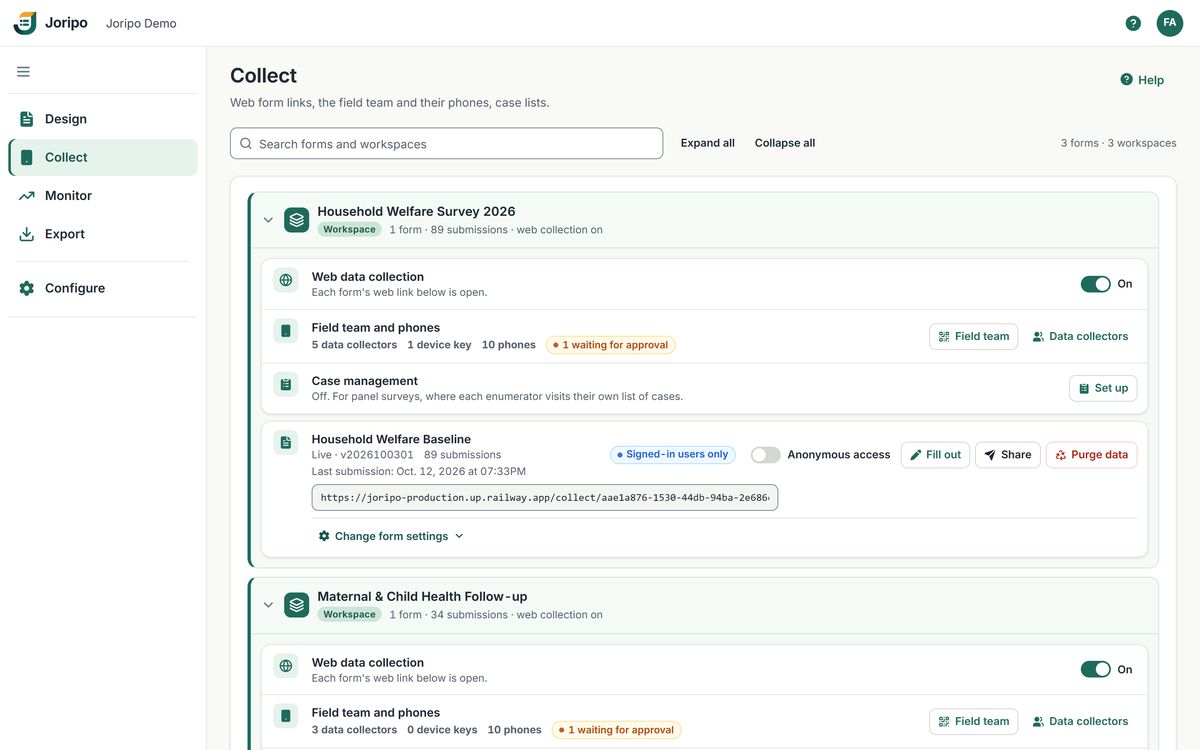
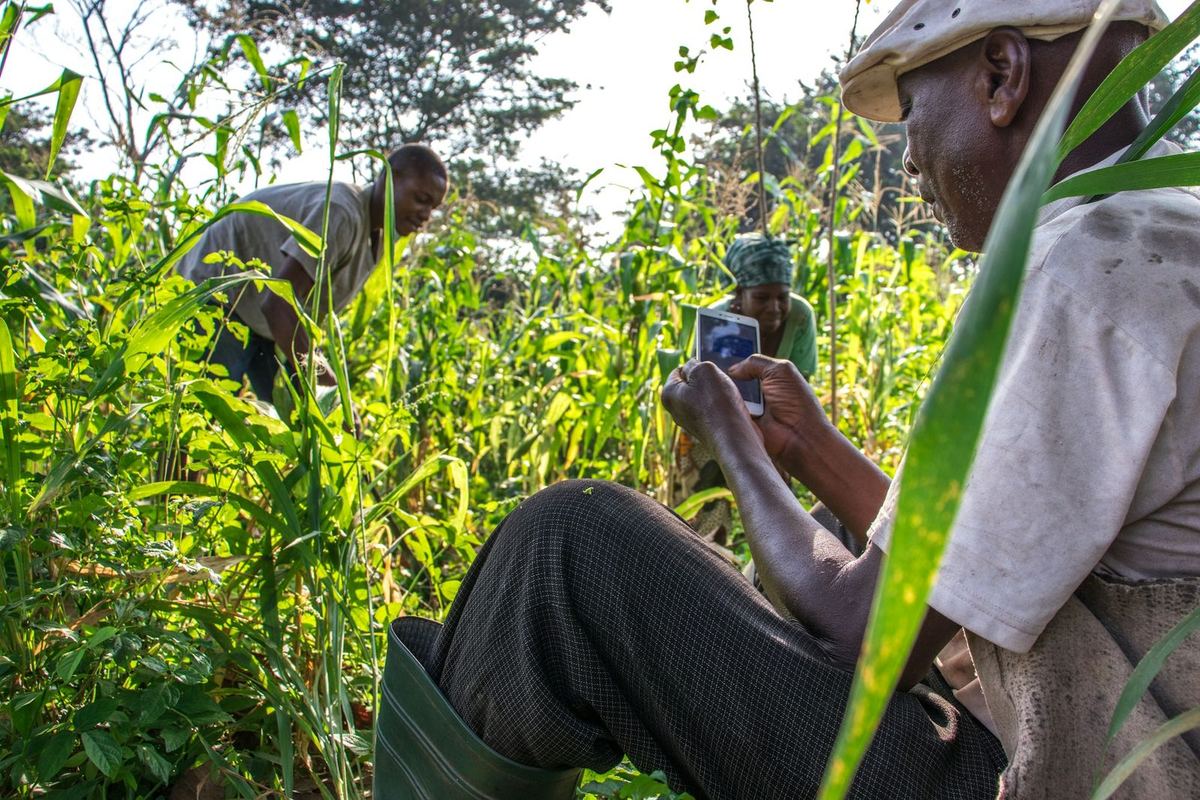
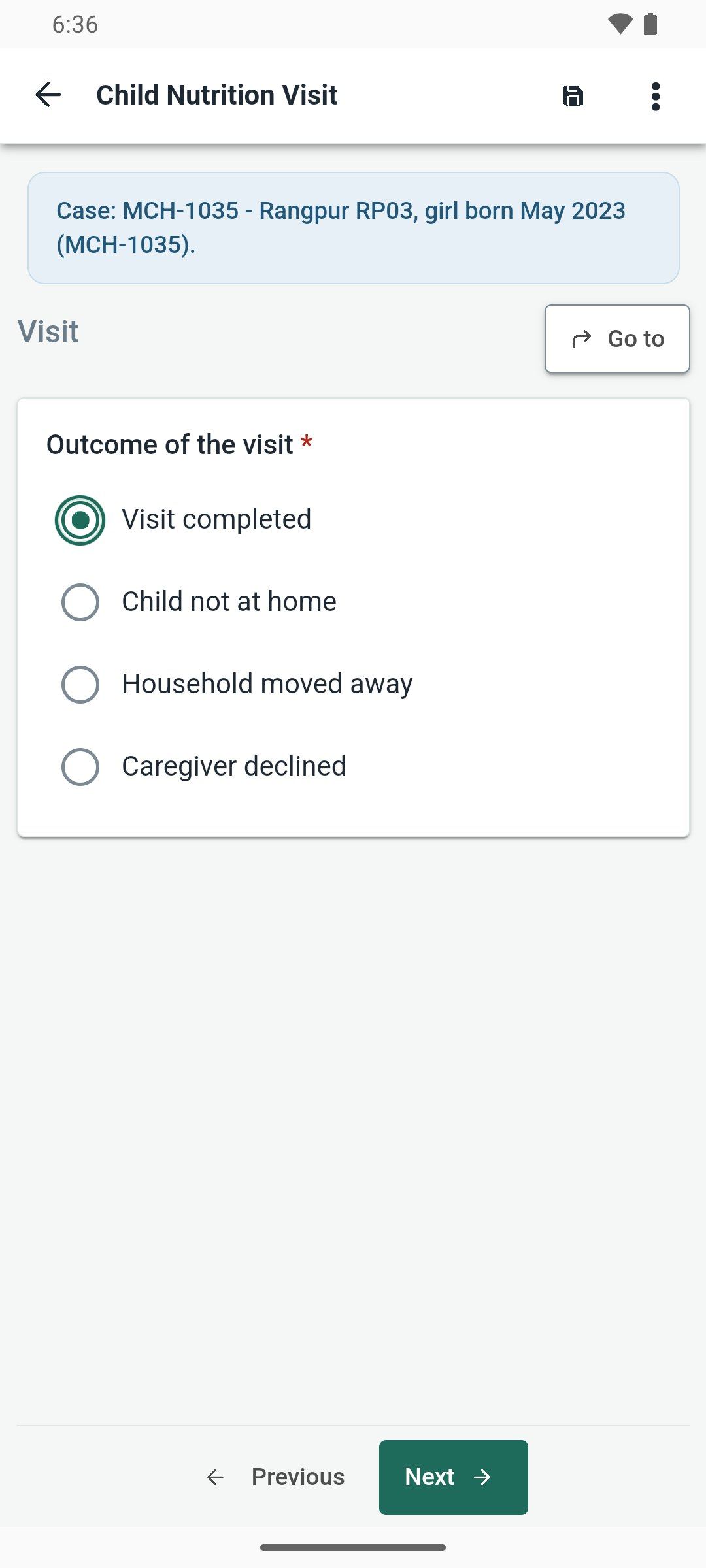
Joripo Collect keeps forms, drafts and case lists on the phone. Interviews are saved every few seconds, and finalized forms go out by themselves when a connection returns, even with the app closed.
Who does this
- GPS with accuracy thresholds, photos, audio, signatures and barcodes
- Text audits and audio audits, on the phone and in web forms
- A case worklist with claims, so two enumerators are not sent to the same respondent
- ODK Collect works too, over OpenRosa
Stage 4 · Monitor & review
Find the problem while the team can still go back.
Twelve checks run on each interview the moment it reaches the server. The other sixteen, such as enumerator comparisons, back-checks and Benford's law, run across everything a form has collected whenever a manager starts them.
Who does this
- Every finding says which question, what was entered, what was expected and which enumerator
- Resolve or dismiss with a note; a dismissed finding re-opens only if it gets 1.5 times worse or newly crosses a hard limit
- Enumerator scorecards show each person's share of interviews flagged and median duration
- Quota tracking shows achieved against target for each stratum
Stage 5 · Export & deliver
Hand over files analysts can open straight away.
Download .csv, .xlsx, Stata .dta or SPSS .sav, wide or long, with a generated Stata do-file of labels. The WIDE CSV keeps the SurveyCTO-compatible layout and file names, so existing master do-files find Joripo's files.
Who does this
- Identifying answers pseudonymised, redacted or coarsened for anyone without identity access
- Share a single workspace with a funder, with its own password and an optional end date
- Joripo Desktop keeps an offline copy on Windows and exports it on a schedule
- R, Stata or Python scripts download exports with a read-only API token
How it connects
Three apps, other clients and one server.
Everything meets on your organisation's Joripo server. Phones and browsers send submissions in, analysts and scripts take data out, and the office works in the console. People sign in to the console, Joripo Collect and Joripo Desktop the same way: server name, email or username, and password.
- Joripo Collect
The Android app for enumerators. It works offline and sends finalized forms when a connection returns.
- Web forms
A link for each form, filled in any browser. It needs a connection to load and to submit.
- ODK Collect
Connects over OpenRosa with a device-key QR code, or with a password once an owner allows it.
- Joripo server
Runs the console and the quality checks, and stores forms, submissions and attachments. Each organisation's data is kept apart from every other.
- Joripo Desktop
A Windows app for reviewers and above. It keeps an offline copy of a workspace and exports it on demand or on a schedule.
- Your scripts
R, Stata or Python scripts download exports with a personal API token that can only read.
- Console users
Owners, managers, reviewers and external partners work in a browser, each seeing only what their role allows.
Roles and permissions
Who can do what.
Four roles inside the organisation, plus external clients for people outside it. Every permission is checked on the server, on console pages, exports, attachments and the API alike.
| Owner | Manager | Reviewer | Data collector | External client | |
|---|---|---|---|---|---|
| Use the web console | Yes | Yes | Yes | No | Shared workspaces only |
| Add people, set roles, choose how new phones are approved | Yes | No | No | No | No |
| Create workspaces | Yes | Yes | No | No | No |
| Design and deploy forms | Yes | Yes | No | No | Form and data manager |
| Approve phones and manage device keys | Yes | Yes | No | No | No |
| Manage server datasets and case lists | Yes | Yes | No | No | Data manager and above |
| Configure and run quality checks | Yes | Yes | No | No | No |
| Review quality findings | Yes | Yes | Yes | No | Data manager and above |
| Read submissions in the Data Explorer | Yes | Yes | Yes | No | Viewer and above |
| Export data and attachments | Yes | Yes | Yes | No | Data downloader and above |
| Share a workspace with outside people | Yes | Yes | No | No | No |
| Collect in Joripo Collect and web forms | Yes | Yes | No | Yes | No |
| API tokens and Joripo Desktop | Yes | Yes | Yes | No | No |
Foundations
Familiar to XLSForm users, from the form up.
Joripo is built so that a team moving from another tool keeps its questionnaires, its habits and its analysis scripts.
XLSForm as you know it
XLSForm workbooks are compiled by Joripo itself, and any form can be tested in the browser before fieldwork.
An open-source form engine
Built on ODK's open-source XForms engine, extended by Joripo, in the tester, web forms and Joripo Collect.
Free to start
5,000 submissions a month free. Paid plans have every feature on every submission, and every plan has unlimited team members.
Hosted, or on your own servers
Use Joripo's hosted service, or talk to us about running Joripo on infrastructure you control.
See the whole lifecycle with your own form.
Send us a questionnaire you have used before. We will show it moving through Joripo: tested in the browser, collected offline, checked on arrival and exported for Stata.
Already using Joripo? Log in to your server.