 Joripo
Joripo Collect for Android
Collect offline. Send when the signal returns.
Joripo Collect is the Android app your enumerators take into the field. Forms, drafts and case lists stay on the phone, each interview is saved as it goes, and finalized forms send by themselves once there is a connection, even with the app closed.
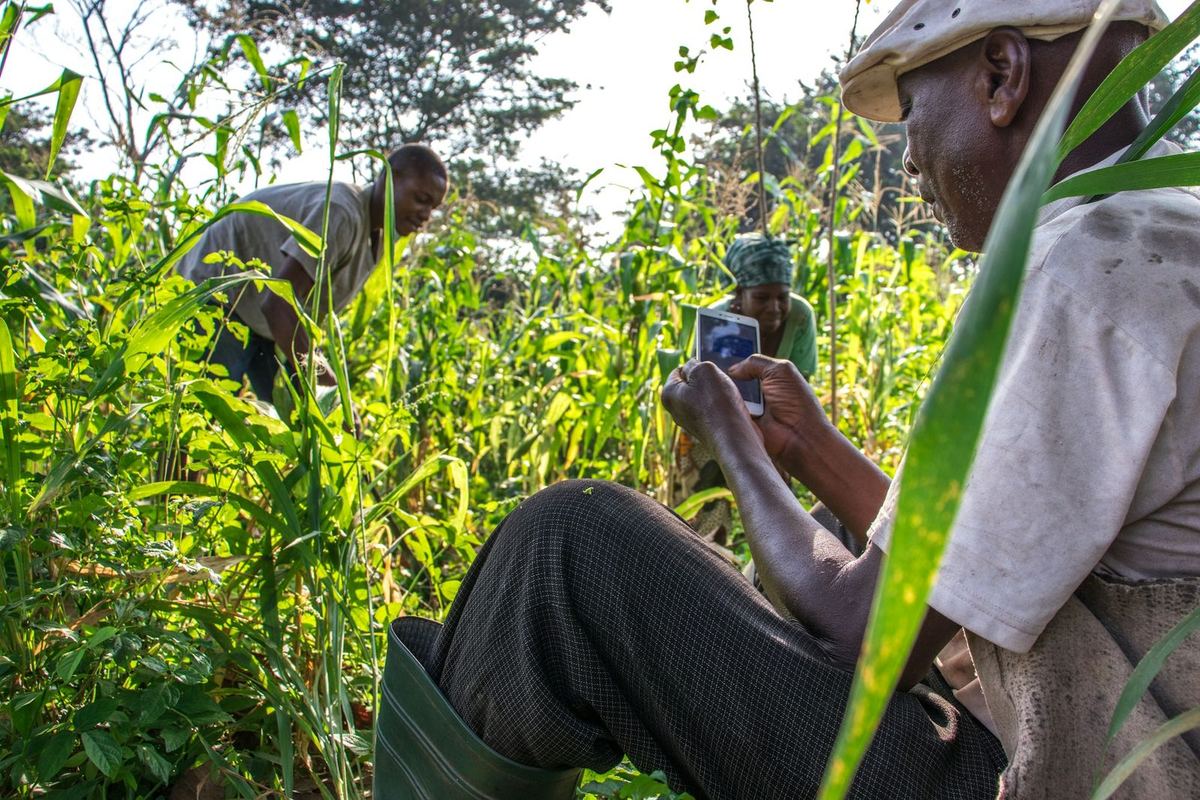
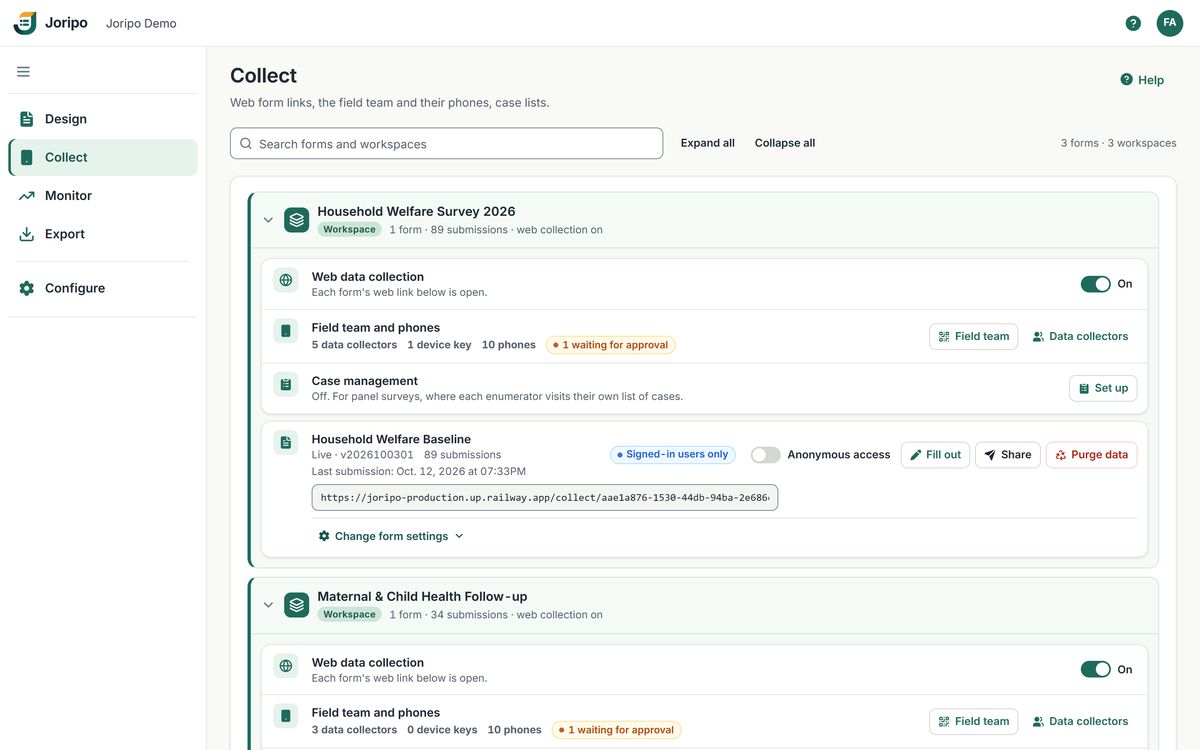
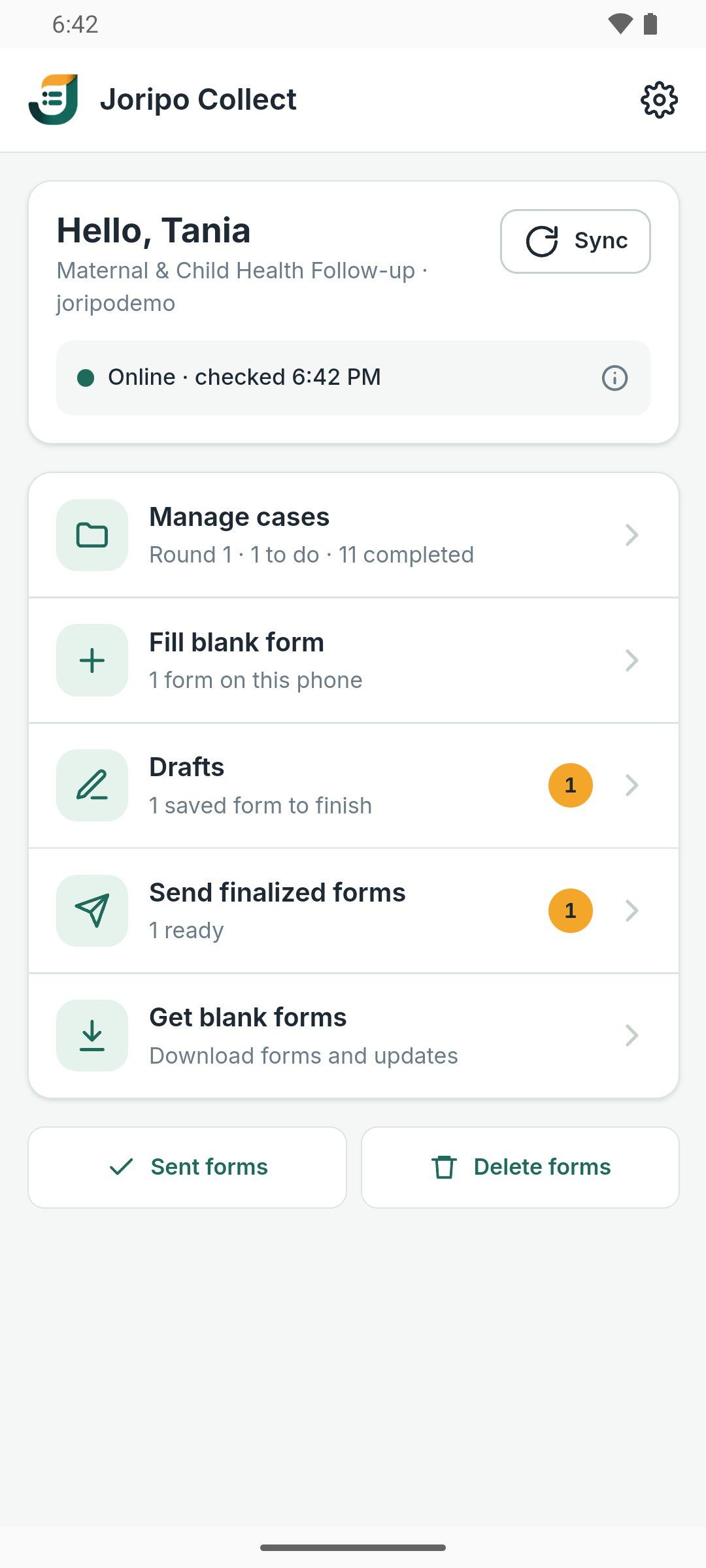
Joripo Collect and the console, showing a demo workspace with synthetic data.
- Android 8.0 or newer
- Current version 2.2.0
- English app, multilingual forms
- Installed from your server's /app page
The offline workflow
Built for places where the connection comes and goes.
Enumerators sign in once with the organisation's server name and their own account. From then on the day's work happens on the phone, and the app sends what is finished whenever it can.
- Sign in onceServer name, then email or username, then password. Data collectors can sign in with a username the owner gives them instead of an email.
- Get blank formsDownload the forms this person may fill, with their media. Newer versions arrive as updates, and the server can let them install by themselves.
- Fill offline, safelySave drafts and resume them on the same form version. A savepoint is written a couple of seconds after each answer, so an interview cut short by a crash appears under Recovered interviews.
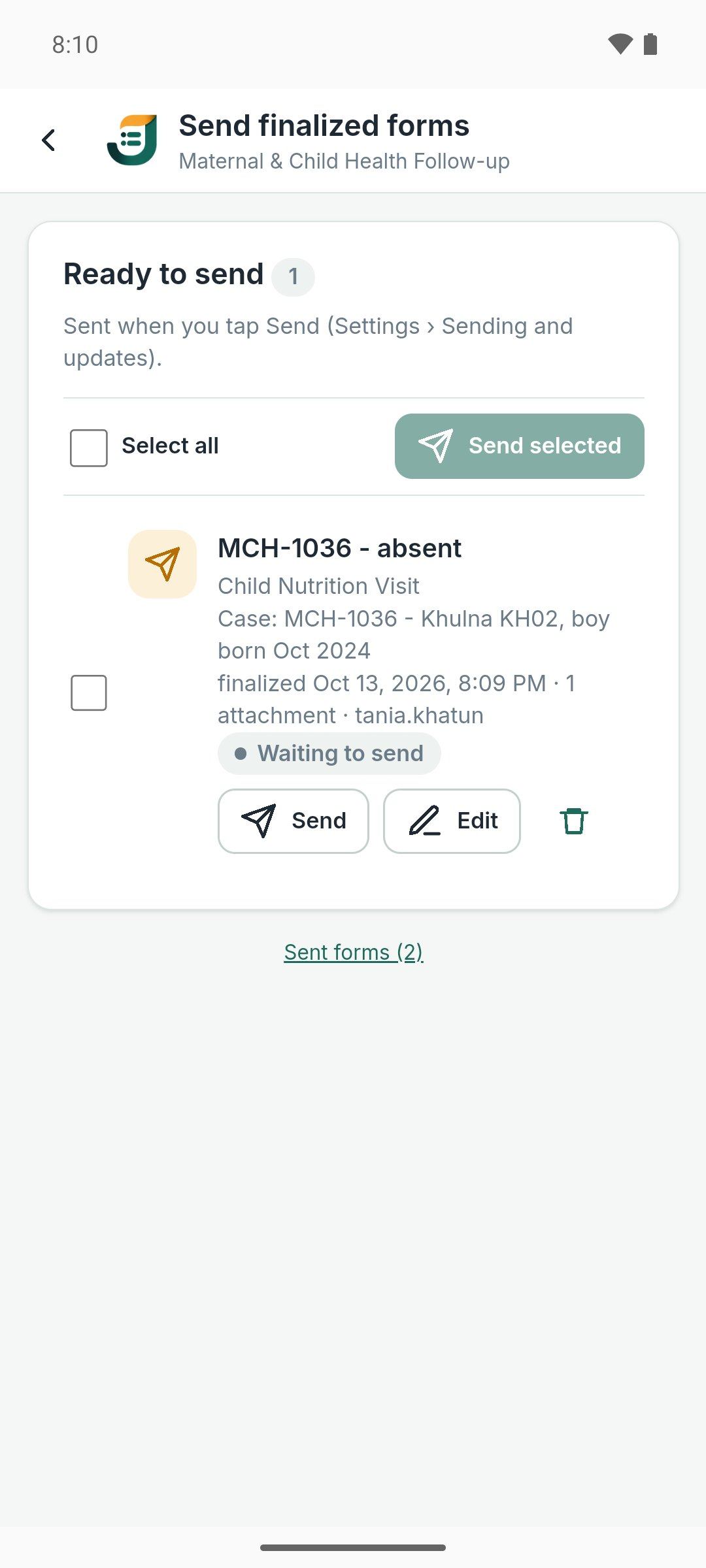
- FinalizeThe interview moves to Send finalized forms. Until it is sent, it can go back to Drafts with the same instance ID.
- Send automaticallyFinalized forms go out when a connection returns, through an Android background job that keeps working after the app is closed or the phone restarts. A form leaves the phone only once the server confirms it.
On the phone
Everything a field interview needs.
Joripo Collect runs forms on the same engine as Joripo's browser tester and web forms, built on ODK's open-source XForms engine, extended by Joripo. The form you tested at your desk is the form that runs in the field.
Watch an interview being filled.
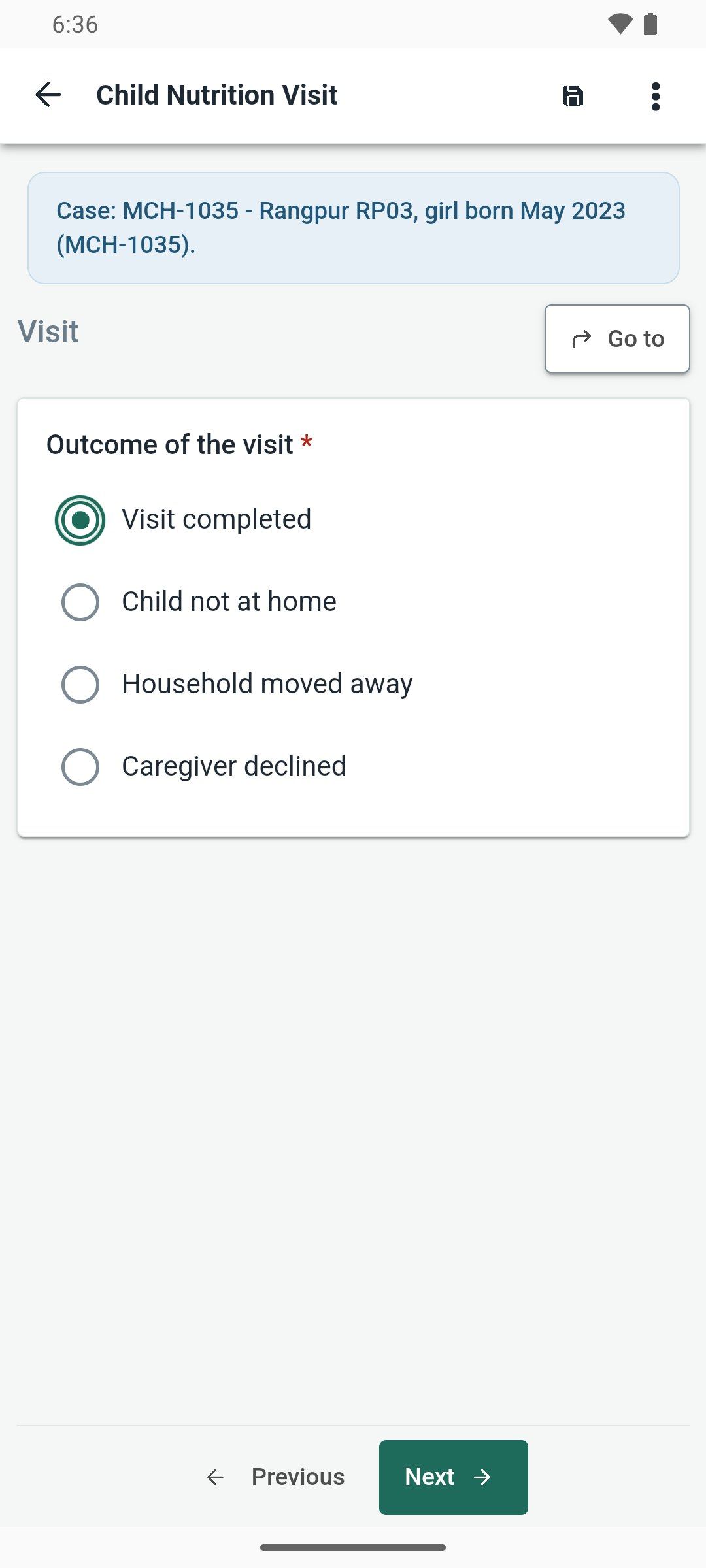
A real take on an Android phone: open the blank form, pick the enumerator, district and cluster, and type the household ID from the sample card. Each answer is saved as it goes, so the interview survives a phone call or the app being closed by a crash.
Recorded in Joripo Collect 2.2.0 with a demo workspace and synthetic data.
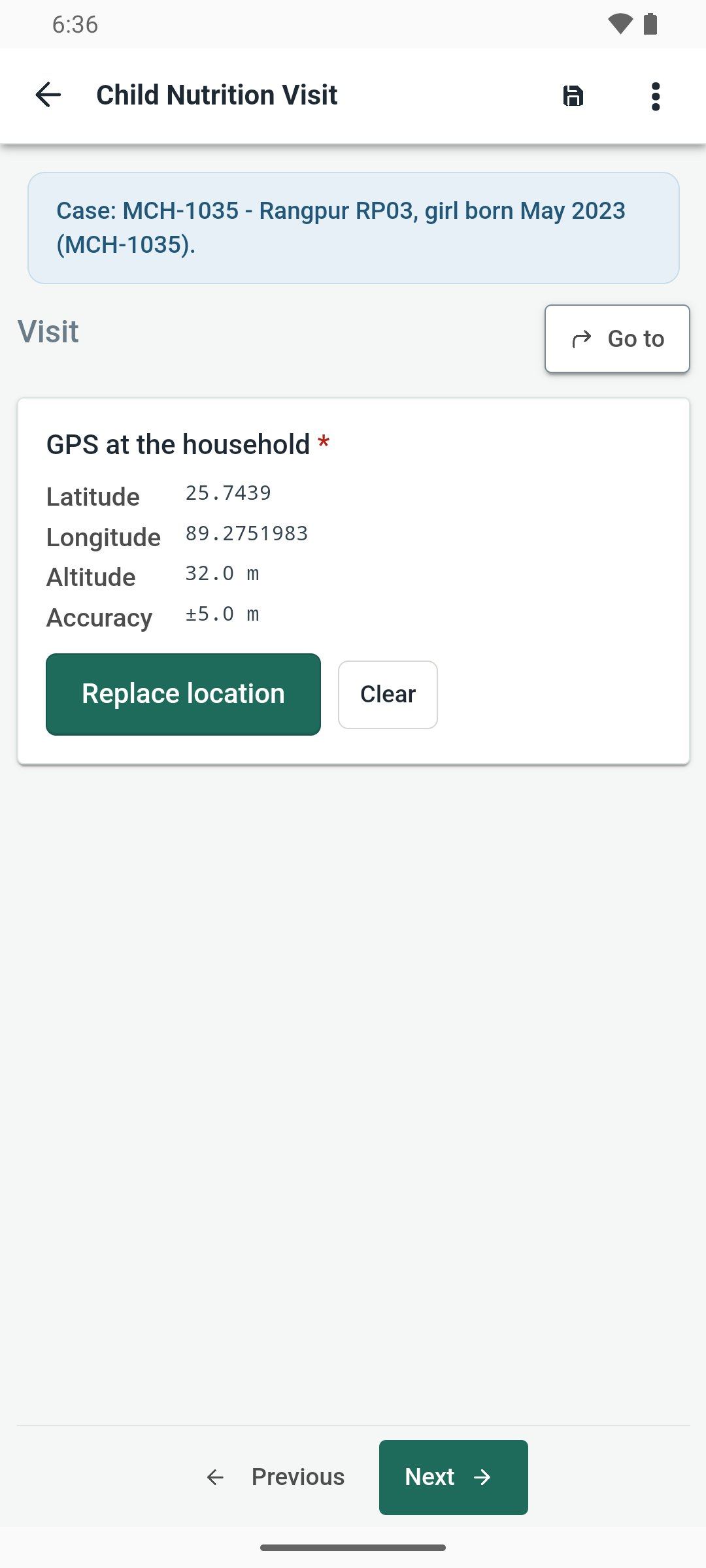
GPS with accuracy thresholds
A reading at 5 m or better is recorded automatically and one worse than 100 m asks the enumerator to confirm. A question can set its own thresholds, and maps show when the phone is online.
Photos, signatures and barcodes
Photos from the camera, which can be reduced to 640, 1024, 2048 or 3072 px, with the camera's own copies removed once the interview holds them. Signature and drawing pads, barcode scanning, video and files.
Audio and audio audits
Audio answers recorded as .m4a. Audio audits record the interview in the background between their start and stop fields, and keep going through camera use or a phone call.
Text audits
How long each field was on screen, in whole seconds, with the event log if you want it. Timing pauses while the app is in the background.
Field plug-ins
Field plug-ins run offline on the phone, and the ranking plug-in is built in. A plug-in can open the dialler with a number, or open another Android app and take back its answer.
Case worklists
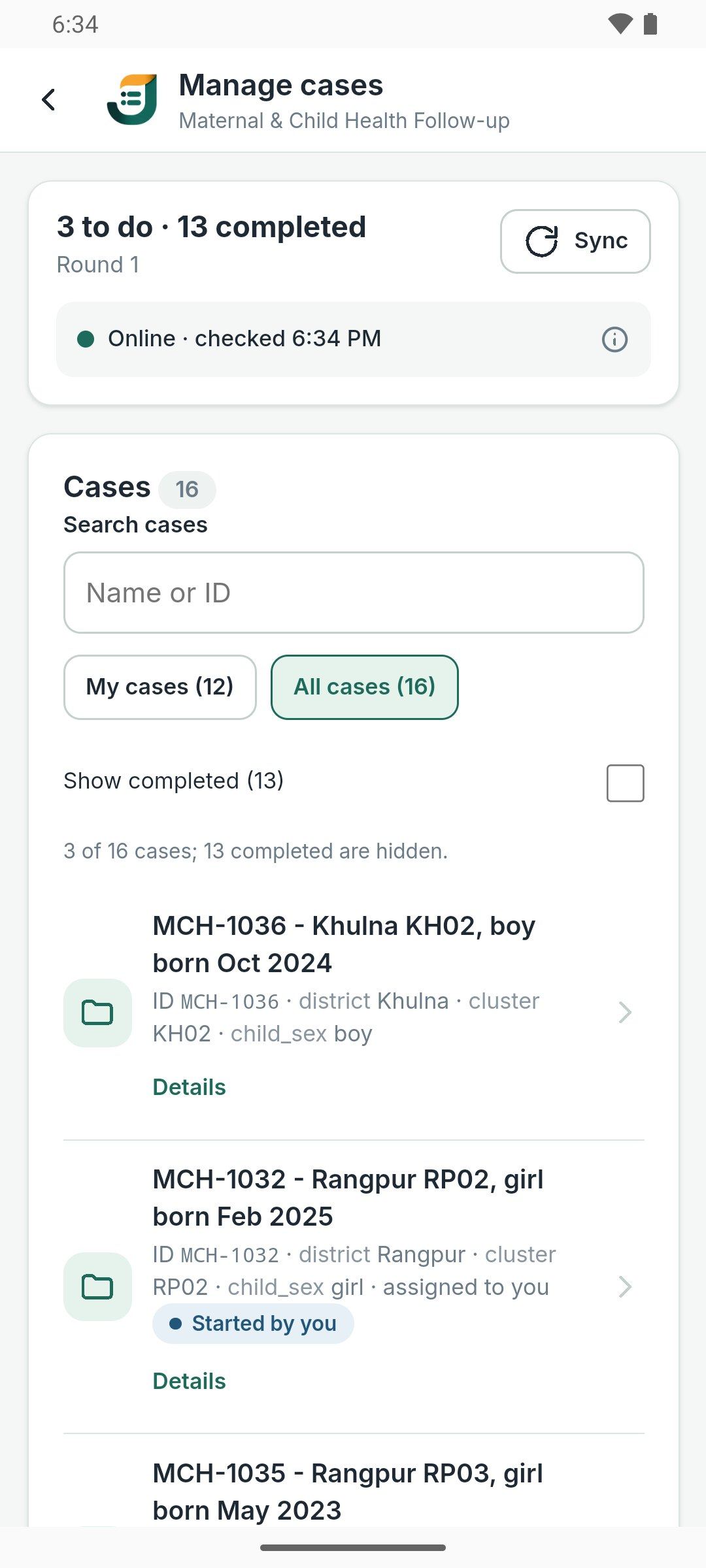
Manage cases with search, My cases and All cases, and rounds. Opening a case claims it, so two enumerators are not sent to the same door. Case management
Phones under control
Decide which phones may collect, and stop the ones that should not.
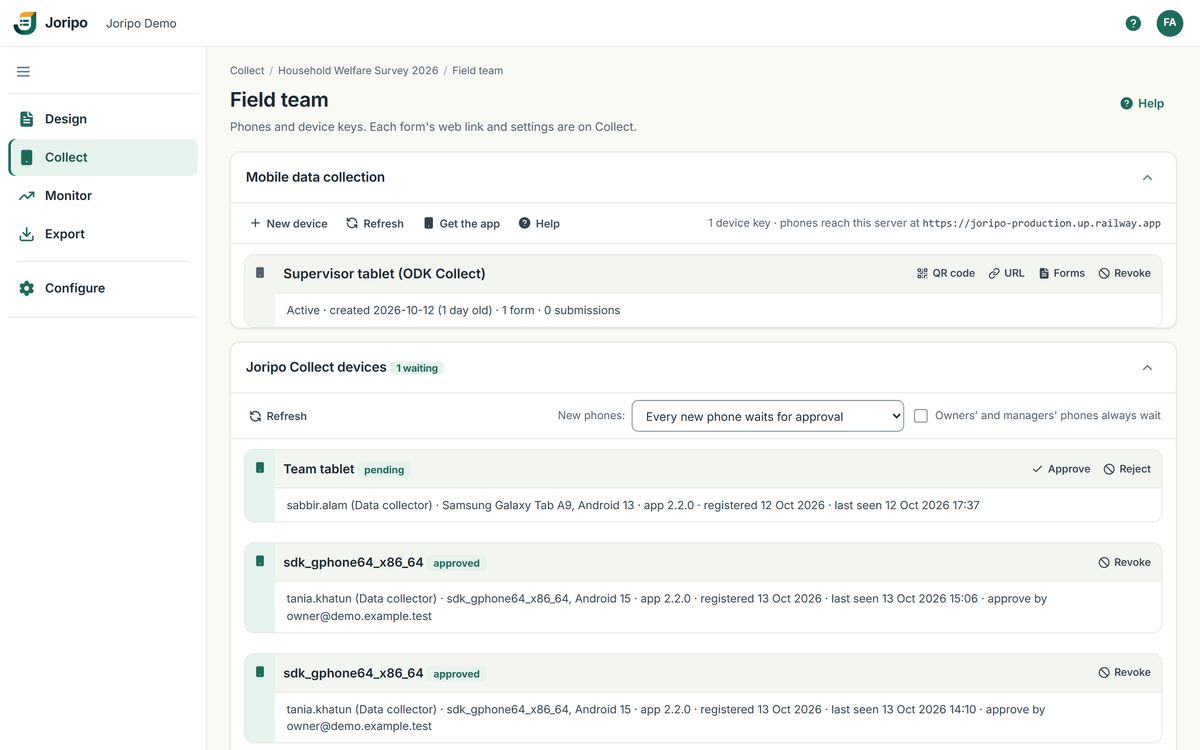
Each phone that signs in becomes a device on the workspace's Field team page, where owners and managers approve, reject or revoke it. Nobody has to collect a phone to cut its access.
- Device keys for ODK Collect
Create a device key and scan its QR code in ODK Collect. The page shows which forms each key can fill, and a key works until it is revoked.
- Every Joripo Collect phone
Each phone with its person, model, Android and app version, and when it was last seen, with a count of phones waiting.
- A rule for new phones
Approve a person's first phone at once, or make every new phone wait. Owners' and managers' phones can be set to always wait.
- Approve or reject
A waiting phone checks again every 15 seconds, so the enumerator can start soon after you approve.
- Revoke
Revoking, signing the phone out, deactivating the person or resetting their password cuts its access. A phone that has not checked in for 30 days stops by itself.
Joripo's console, showing a demo workspace with synthetic data.
Other ways in
ODK Collect and web forms work too.
ODK Collect
Joripo is an OpenRosa server, so ODK Collect can download forms and send submissions. Connect it by scanning a device key's QR code or, once an owner turns on ODK Collect passwords, with the server address and an email or username and password over HTTPS. Joripo's extended functions and field plug-ins need Joripo Collect.
Web forms
Every deployed form has a web link that runs the same engine in any browser, for respondents who fill a form themselves or teams without Android phones. Allow anonymous form access per form, or keep a form to signed-in members, and close all of a workspace's web forms with one switch.
- Text and audio audits recorded in the browser too
- Swipe between screens on touch screens
- Web forms need a connection to load and to submit, and cannot save a partial response
Data on the phone
Move finished forms by file, and keep phones safe.
Moving forms between phones
- Export forms to a fileEvery finalized form not yet sent, and optionally the backups, in one .zip saved through Android's own save screen.
- Add forms from a fileOn another phone, or the same phone after a reinstall. Forms already on the phone are skipped, and the rest join the send queue.
- Or import on the serverUpload the file with Import from a phone on the workspace's Data page. Each form goes through the same checks as a normal submission.
Only finalized forms move this way; drafts and blank forms do not. There is no Bluetooth or direct phone-to-phone sync.
Phone safety
- Device keys, device secrets and the app lock's password hash sealed with a key held in the Android Keystore
- App lock: the server can require the account password whenever the app opens, and the check works offline
- A backup of each sent form kept for as many days as the server sets (30 by default, 0 to turn backups off), so a deleted form can be put back
- Delete all data on this phone removes forms, recordings, photos and the sign-in after a typed confirmation
Questions
About Joripo Collect
Is there an iPhone app?
Not today. Joripo Collect runs on Android 8.0 or newer. Respondents on any device can fill web forms in a browser while online, and ODK Collect can also connect to Joripo.
Is Joripo Collect on Google Play?
Can enumerators sign in without a connection?
The first sign-in on a phone needs a connection, as do getting forms and claiming a case. After that the app opens and works offline, including the app-lock password check when your server requires it.
What happens if a phone is lost?
Revoke it on the Field team page and it loses its access to your server. A phone that has not checked in for 30 days stops by itself. Forms still on the phone stay there, since there is no remote wipe, which is why the app lock and Android's own screen lock matter.
Can several enumerators share one phone?
Yes. People can sign in on the same phone in turn, and each finalized form is sent with the account of the person who filled it, in the workspace it was started in. One person can also switch between the workspaces they collect in.
Put Joripo Collect in your field team's hands.
Tell us about your fieldwork: how many enumerators, what the connection is like and how long you will be out. We will walk you through Joripo Collect with a form like yours.
Already using Joripo? Log in to your server.